Client documents managed in one place
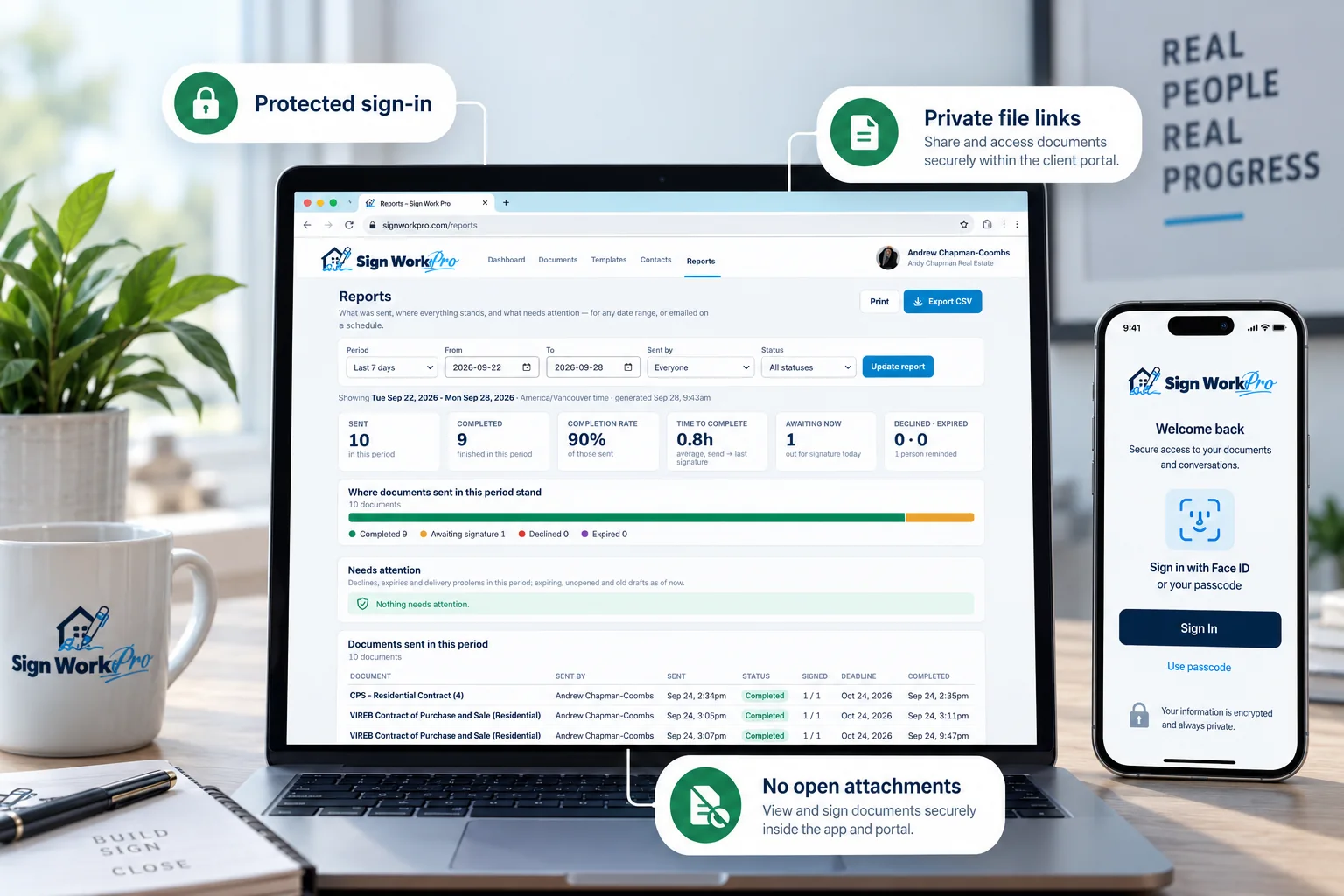
Every completed file lands in the right client’s portal automatically, ready to preview or download, and every view and download is logged.
Client portal & mobile app
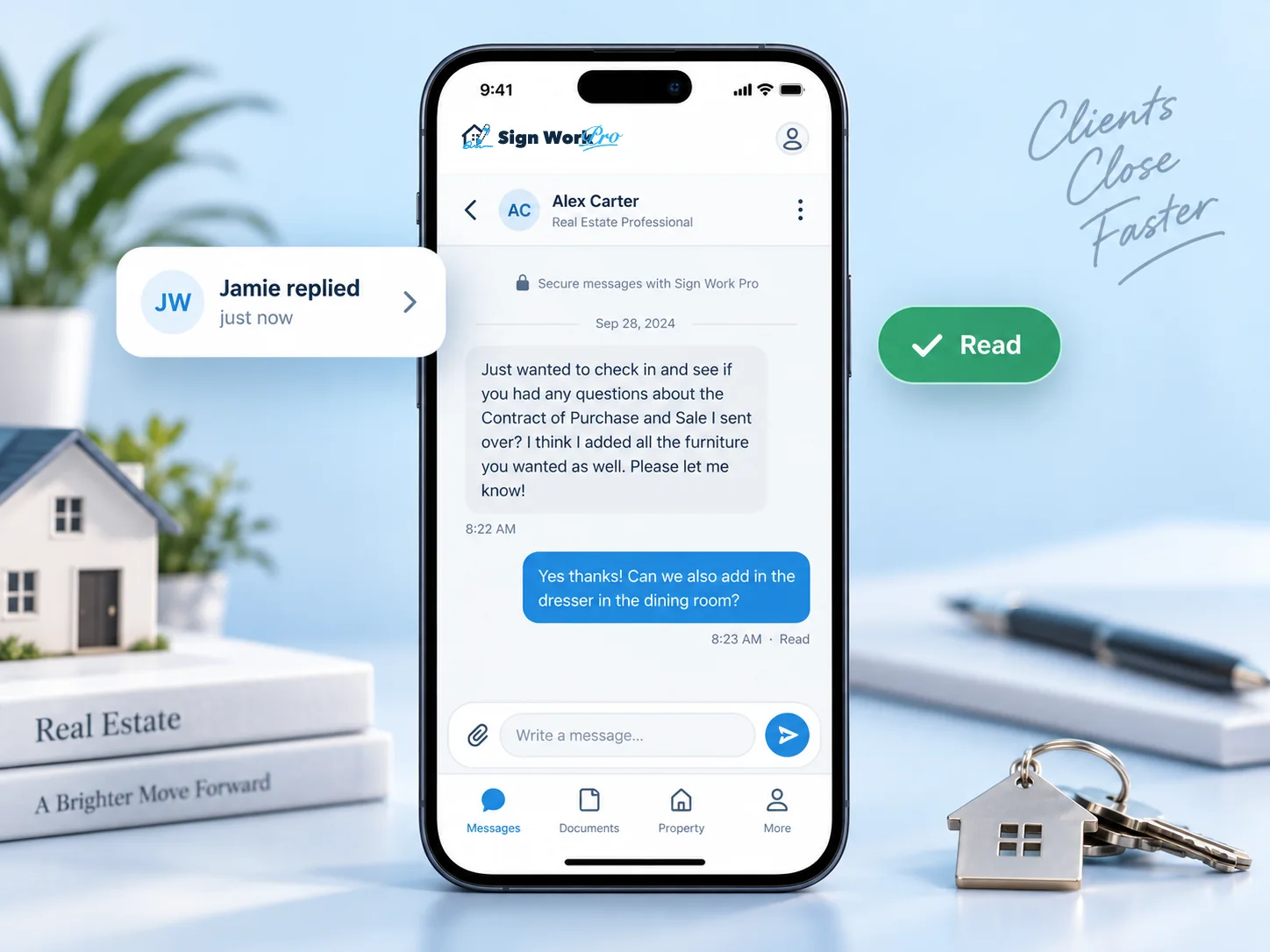
Your clients get a private portal and mobile app that holds every document they have signed with you. They can review their transaction files at any time and message you directly about them. It is a secure, tracked conversation that is kept on file alongside the signing record.
How it works
They sign from a private link by email, text or WhatsApp, with no app needed to sign.
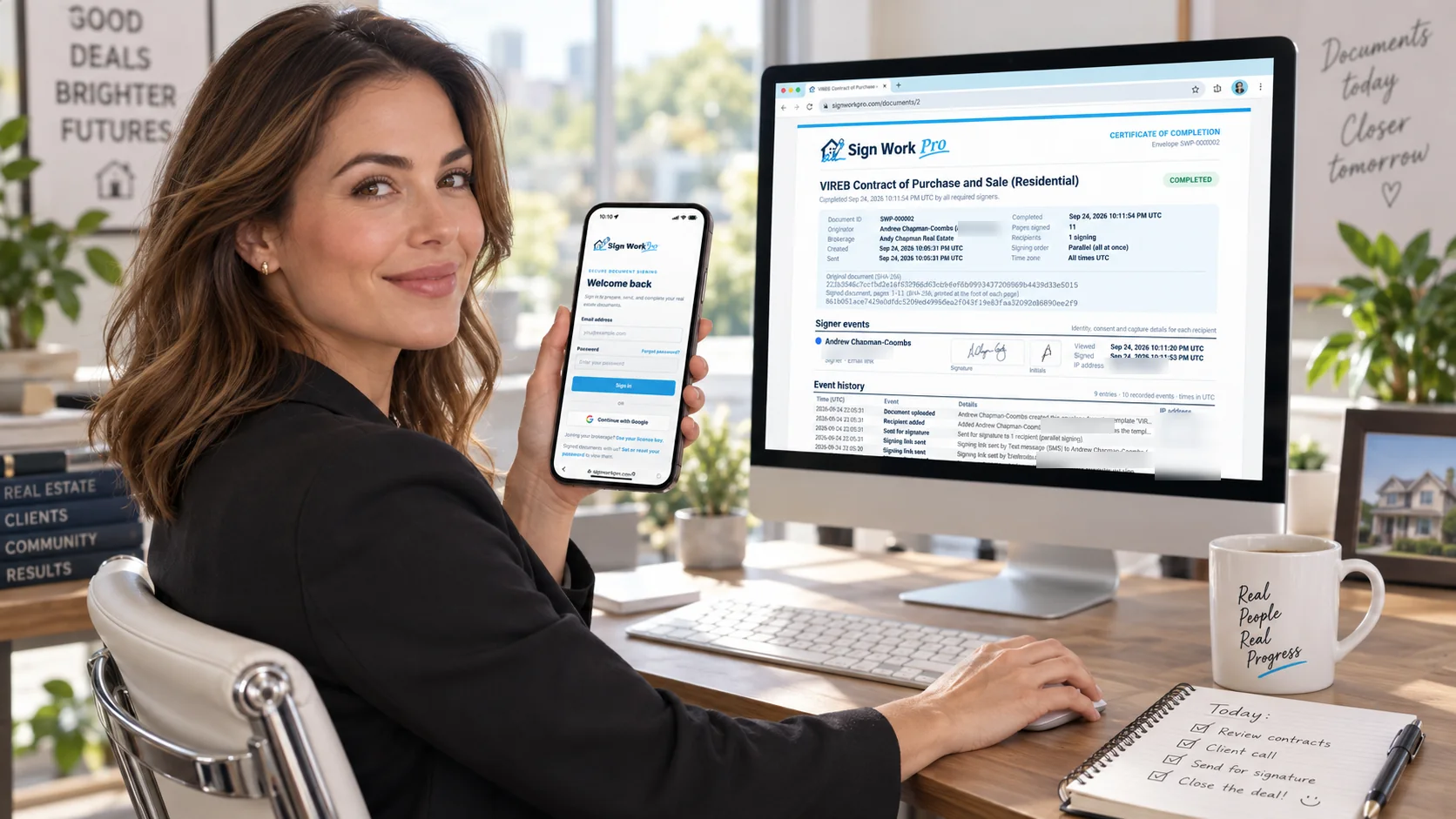
The moment the last party signs, the signed PDF, with its Certificate of Completion as the last page, appears in your client’s portal. There is nothing for you to send.
On the web or in the app, your client can search, preview and download every document from their transaction, whenever they need it.
Clients message you from the app, and you and your team reply from the website. Every message is recorded.
Secure, tracked dialogue
Questions about a deal shouldn’t be scattered across personal text threads, voicemail and email. With in-app messaging, every exchange with your client happens in one private conversation, and that conversation is retained with the signing record, where your brokerage can review it.
For your clients

For you and your team
The paperwork that used to follow a closing now looks after itself, and every conversation is on the record.
Every completed file lands in the right client’s portal automatically, ready to preview or download, and every view and download is logged.
Client conversations are retained, fingerprinted and logged, ready for your managing broker, a compliance review or a dispute.
There’s no need to send the signed copy after closing, and no more “can you resend that?” requests. Clients already have it.
Assistants and partners can see the conversation and pick it up, so clients get an answer even when you’re at a showing.
Deal conversations move out of personal texts and into a professional channel you control, and they stay with the business.
A branded home for your client’s paperwork keeps you top of mind long after closing, when referrals and repeat business happen.
Side by side
| Email & personal texts | Sign Work Pro portal & app | |
|---|---|---|
| Finding the final signed copy | Search old threads and hope it’s the latest version | Every completed document in one searchable list |
| Sending documents after signing | Manual, for every file and every party | Automatic when the last party signs |
| Client questions | Spread across texts, calls and emails | One private conversation per client, shared with your team |
| Record of what was said | On individual phones and inboxes, easy to lose | Fingerprinted, logged in the audit trail, downloadable as a PDF |
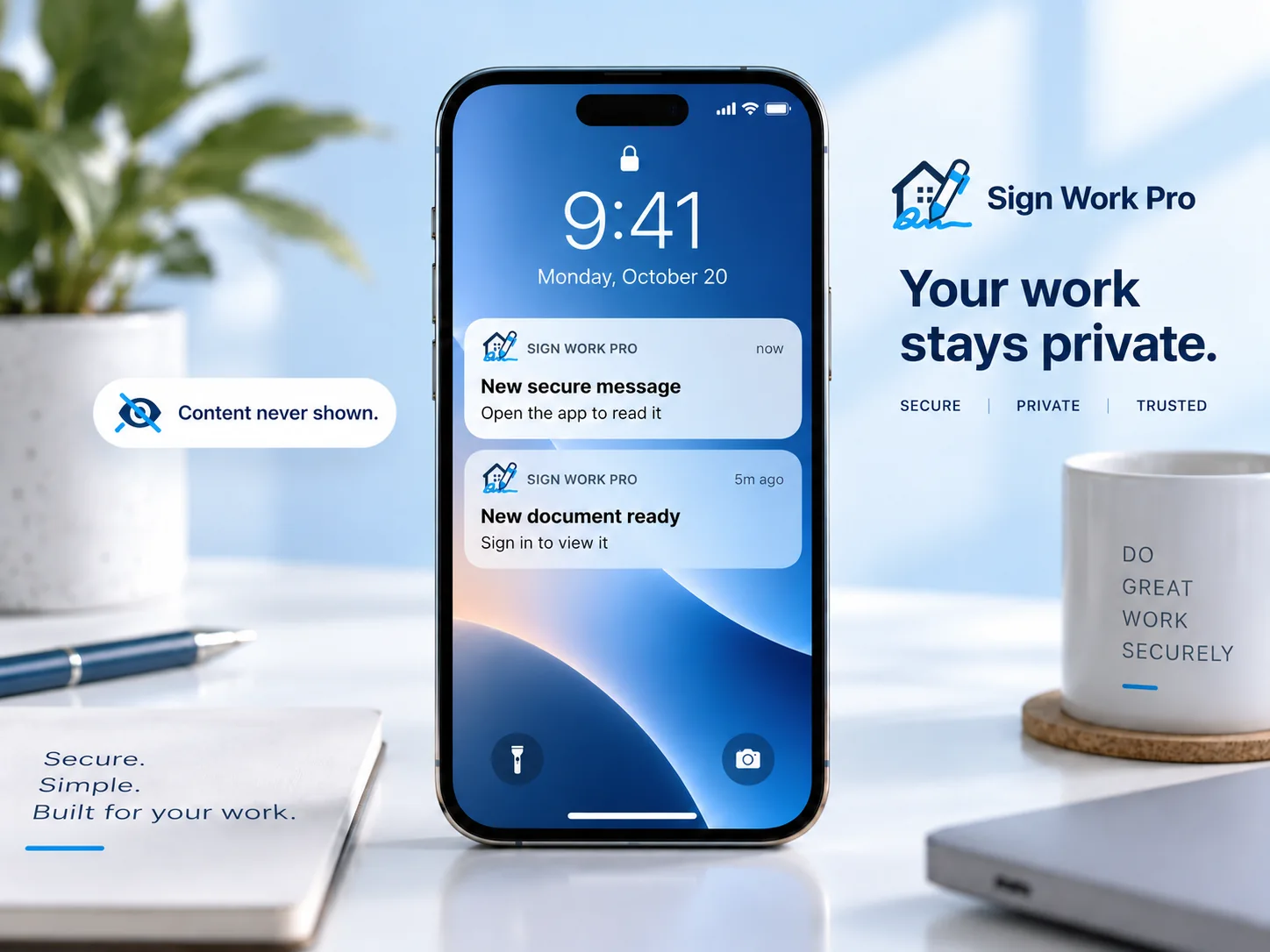
| Privacy | Attachments forwarded; previews on lock screens | Sign-in protected; notifications never show content |
Questions
No. Clients never pay to view, download or message about their documents. Their portal stays active for as long as your Sign Work Pro account is active.
No. Signing still happens from a private link sent by email, text or WhatsApp, with nothing to install. The portal and app are where clients keep and review their completed documents afterwards, and where they can message you securely.
When a client signs a document with you, they are invited to set up a free login with the same email address. Every document they have signed with your organisation then appears in their portal automatically, on the web and in the app.
Each client has one secure conversation with your organisation, and the members of your team can see it and reply from the website. Clients see which team member sent each message.
Yes. Every message is stored with a SHA-256 fingerprint and logged in your audit trail with who sent it and when, and read receipts show when the other side first saw it. You can download the full conversation as a PDF transcript to keep with the transaction file.
No. Push notifications and email alerts only say that a new message has arrived, never what it says. The client opens the app and signs in to read it.
No. One sign-in to the app covers every organisation they have signed with, and each organisation’s documents and messages stay separate.
The conversation and audit entries shown above are examples with fictional names.
Plans from $4.99 a month. No long-term contract: cancel any time.